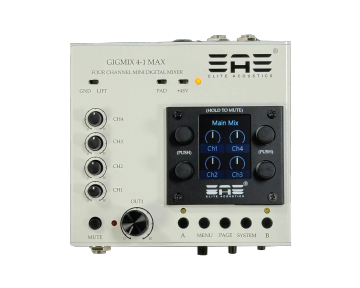
GigMix 4-1 MAX Four Channel Mini Digital Mixer
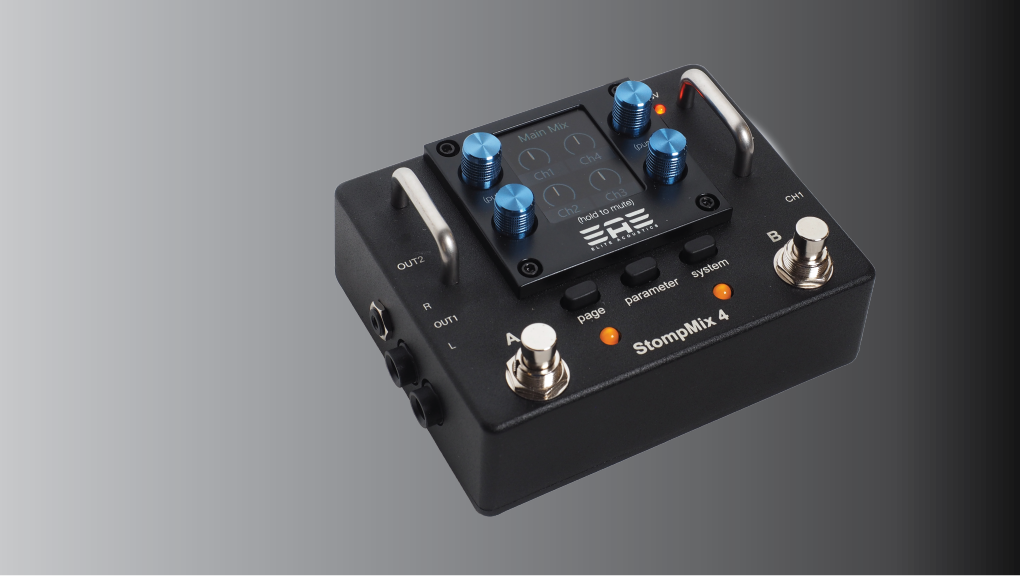
GigMix 4-1 MAX mini Digital mixer, porting the engine from the StompMix 4, the GigMix 4-1 MAX is built with a powerful 32-bit 100Mhz DSP engine and a compact lightweight pocket size package. The GigMix 4-1 MAX mini digital mixer offers a full featured, highly intuitive four channels Digital Mixer with a Color Display. 4 effects level control for Reverb and Shimmer. Assignable Delay effects. The DSP engine provides a compressor, Gate, Mid sweepable EQ, Highpass Filter, Notch Filter, Phase reverse to each of the 4 inputs. Analog inputs consisted of 1 Class A solid-state Mic pre-amps and three 1/4″ TS line/Instrument inputs. Two sets of stereo Mix outputs are selectable between a 1/4″ TRS jack and 2 XLR jacks with output level control knob . 2 assignable switches. 10 Memory for easy recall and set up. Mic Stand mounting accessory is also available. The size/functionalities of the Gigmix 4-1 MAX mini digital mixer makes it the great pocket live gig mixer to your guitar/vocal setup.
Microphone Stand Mounting Hardware is sold separately.
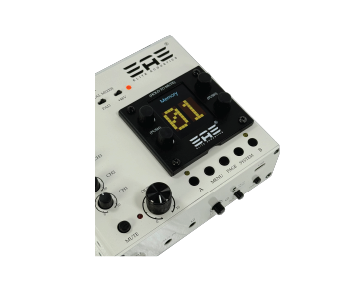
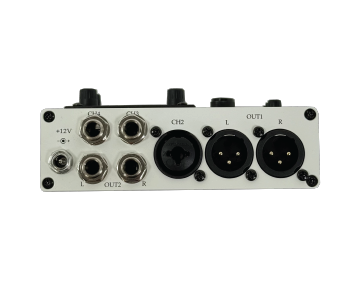
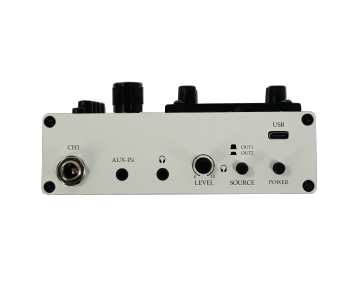
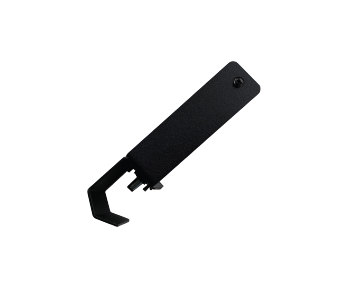
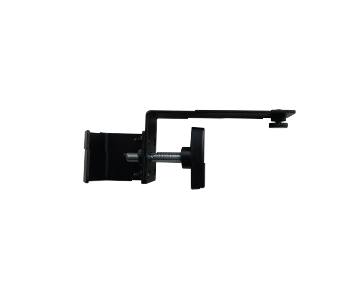
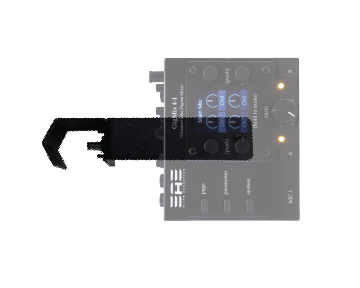
GigMix 4-1Mounted on a Mic Stand
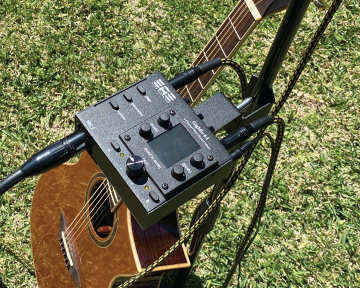

“The GigMix 4-1 transforms your usual setups into something simple and unique”.
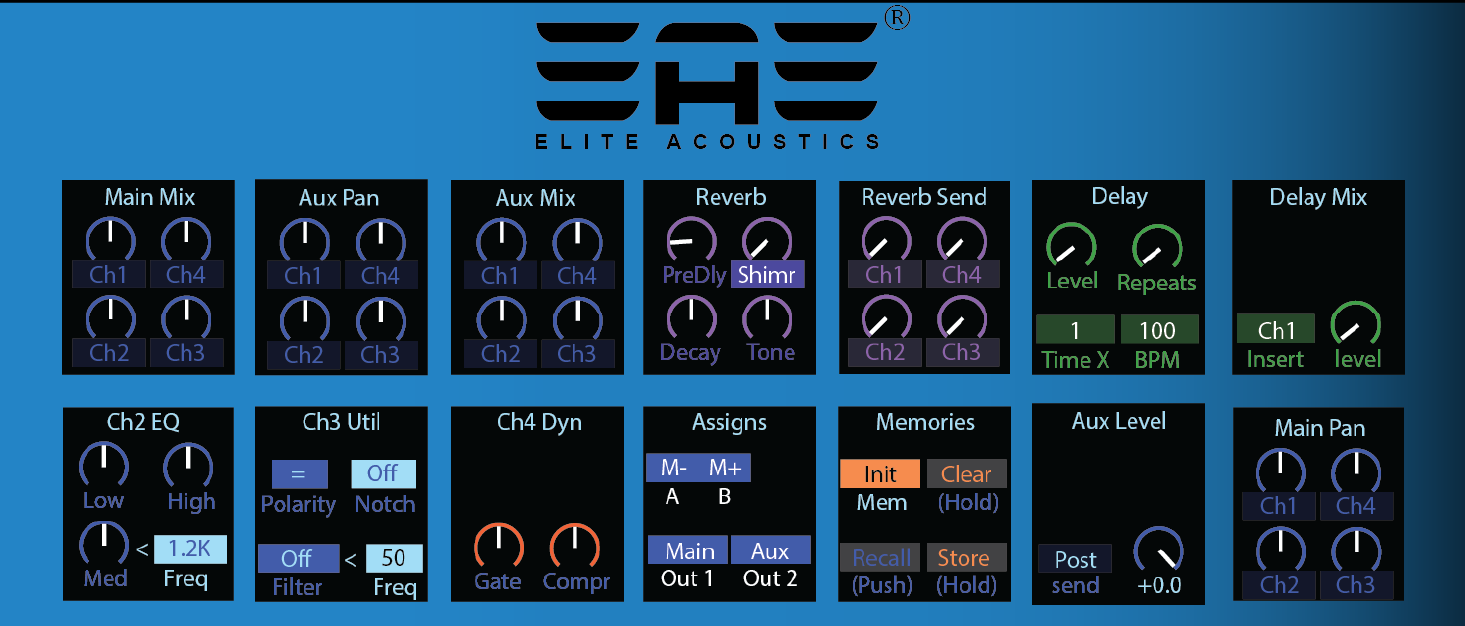
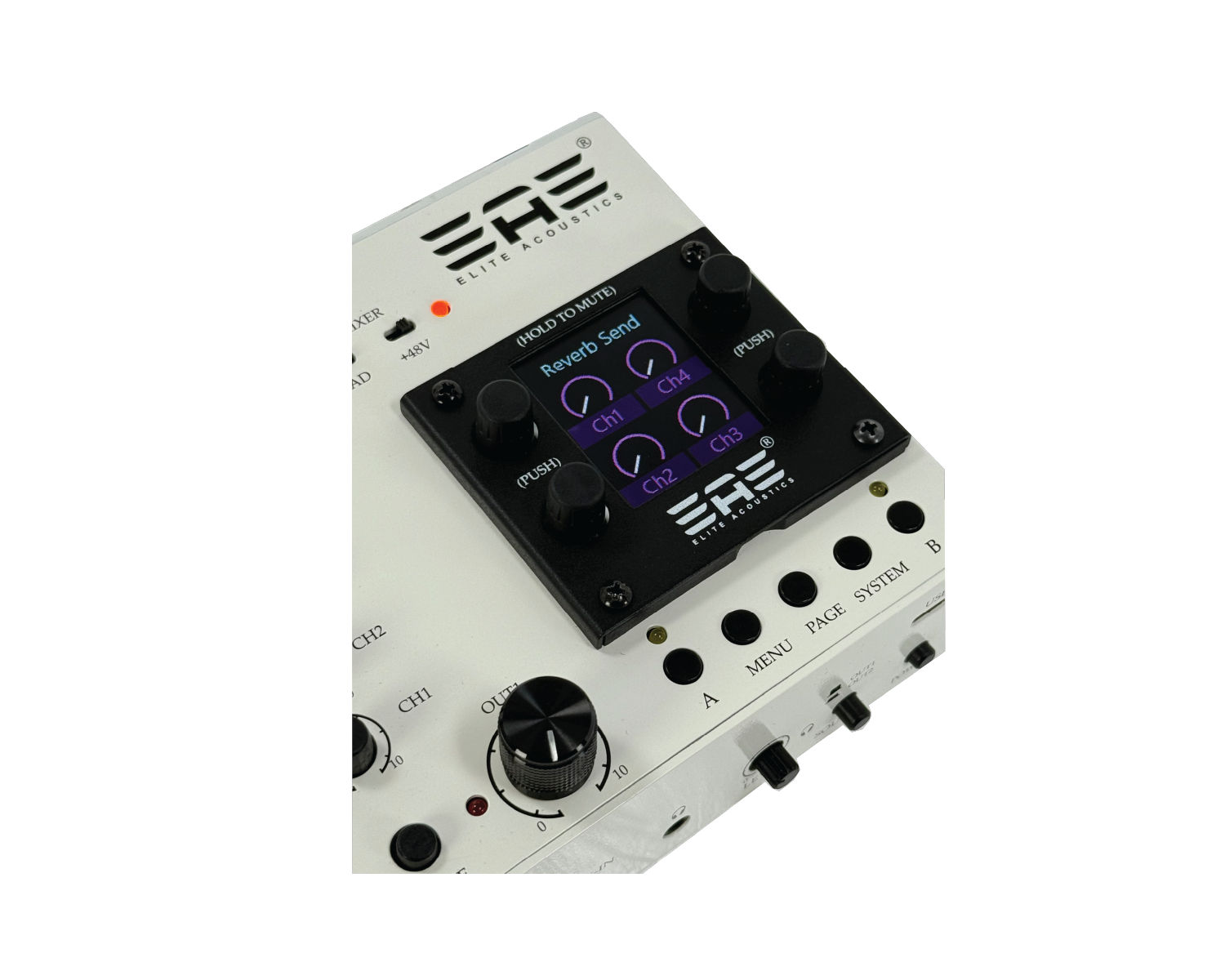
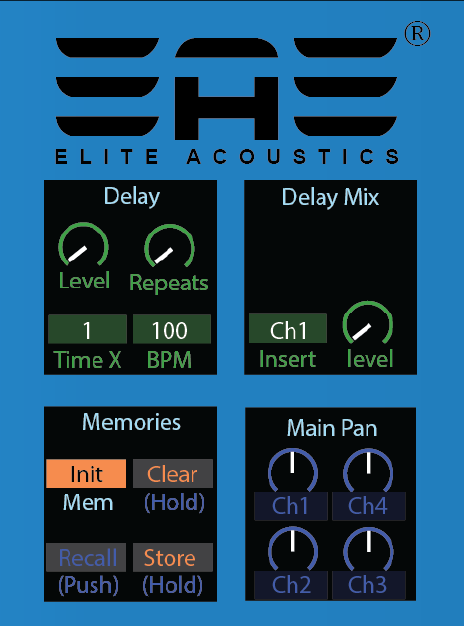
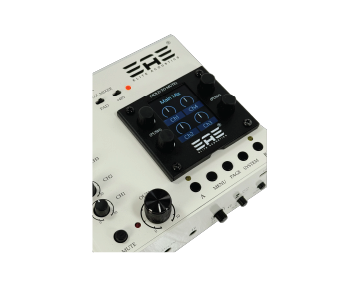
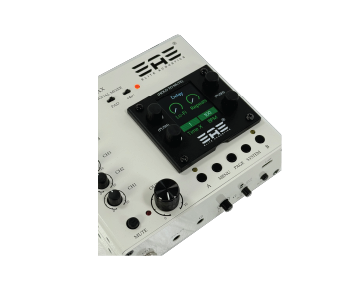
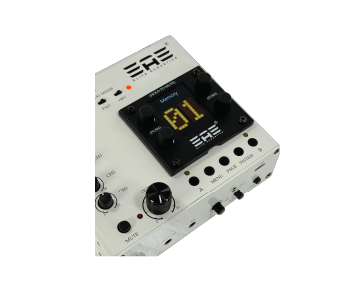
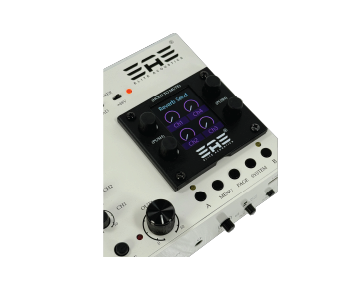
Some Screen Shots from the StompMix 4/ GigiMix 4-1 DSP engine. We may update our firmware to add functions as we get feedback from our customers.
GigMix 4-1 MAX Features
- 4-Channel Mini Digital Mixer
- 10 user scene memories.
- Color display
- Input Level Monitoring
- 1 Class-A Mic inputs with TRIM (CHAN 2) with +48V and PAD
- 3 LINE/INSRT inputs with Level Control(CHAN 1, 3 and 4)
- Independent Reverb, Shimmer effect on each channel
- 2 notch filter available on each channel
- High Pass Filter and Phase Reverse on each channel
- Noise Gate and Compressor on each channel
- 3 Band EQ with Sweepable MID on each channel
- Max 1 second Delay with Tap Tempo (assign to one Channel at a time)
- Assignable A/B switch functions (MUTE channels, EFX by-pass, Tap Tempo, Scene change etc)
- Output 1 (L/R XLR jacks) – Balanced – with Level Control and MUTE and GND LIFT
- Output 2 (L/R TRS 1/4″ jack)
- Headphone Output (Selectable “Out1 or Out2” with Level Control)
- 1/8″ Stereo AUX input.
- Main MIX and AUX MIX
- Scenes Change – via A/B switches
- Metal chassis
- Power Switch
- AC/DC power supply included
- 12VDC power inputs (500mA, 2.1mm *Center Positive*)
- Designed and assembled in USA
Accessory – MIC stand-mount sold separately.
GigMix 4-1 MAX review by Aaron Short
GigMix 4-1 Videos by Kevuan - in France
GigMix 4-1 MAX Mixer Frequent Questions and more
- 1) Can +9VDC be used to power the GigMix 4-1 MAX?
- – Yes, in most case, depending on the power supply used – Make sure it is Center Positive. (2.1mm) 9V or 12V 500mA. Most Pedal board power supplies come with Negative Center, a polarity reverse cable is needed to connect Negative Center Power supplies to the GigMix 4-1 MAX.
- 2) Can I plug Passive Pickups directly into the GigMix4-1 MAX?
- – Yes, most K&K passive pickup systems work with the GigMix 4-1 MAX.
- 3) Too Much Hiss on the outputs?
- – Make sure the GAIN level knobs for Chan 1 is NOT at MAX.
- – Turn Gate Level to -68db to -70db on each channel.
- – Reduce the MIX input level to be about 12 o’clock for each channel.
- – Check for possible Ground Loops
- – use Active Pickups or higher output Passive Pickups.
- 4) Can Delay be used on all channels?
- – No, Delay can only be used one channel at a time. It is assignable.
- 5) Can Channel 1, Channel 3 and 4 be used for Guitar with Passive Pickup?
- – Yes. Most K&K passive Pickup systems will work.
- *** CHANNEL 1, CHANNEL 3 and CHANNEL 4 (TS jacks) ***
- 6) Should I use MONO cable or Stereo Cable for the 1/4″ outputs?
- – use TRS Stereo cables for 1/4″.
- 7) How do I set the EQ on each channel?
- – click the Encoder Knob (black) to access the EQ settings.
- 8) Does GigMix4-1 MAX support Tap Tempo?
- – Yes.
- 9) Digital noise on outputs
- – Check for possible Ground Loops.
- 11) Not getting scenes changes with M+ M- switches.
- – Check and make sure 2 or more Scenes are saved.
- 12) Recall Button on Memories page not working.
- – A Quick Press (or Tap) is required, DO NOT hold the encoder button.
- 13) Can EFX be muted on all channels with one switch press.
- – yes, A/B switches needs to be assigned to “1-4 EFX”. (switch A will Mute all 4 channels and B will bypass EFX) – page 12 of user manual.
- 14) Can the Main Mix MONO and Aux Mix MONO be sent out via 1/4″ TRS jacks or the 1/8″ TRS jack?
- – Assign out1 or out2 with “M< >A”, MAIN Mix MONO is sent to XLR LEFT output and AUX mix MONO is sent to XLR RIGHT output. (page 13 of user manual)
GigMix 4-1 MAX and StompMix 4 Feature differences
- 1) Mic Channels with +48V
- StompMix 4 (2 with +48V)
- GigMix 4-1 MAX (Chan 2 with +48V)
- 2) Chan 3/4 Level Control
- StompMix 4 ( fixed input level)
- GigMix 4-1 MAX (Trim POT level controls)
- 3) Footswitches
- StompMix 4 (A/B Footswitches)
- GigMix 4-1 (A/B press button – not footswitches)
- 4) Analog Output Level Control
- StompMix 4 (None)
- GigMix 4-1 MAX (Output 1 level knob)
- 5) PAD switches
- StompMix (2 – Channel 1/2)
- GigMix 4-1 (Channel 2)
- 5) Mic StandMount hardware
- StompMix 4 (none)
- GigMix 4-1 MAX (one mounting hole for accessory on bottom)